Time tracker to operating system: how Maximiser evolved
A simple time tracker grew into a personal operating system with AI meetings, CRM, and weekly reviews, built by following the friction.

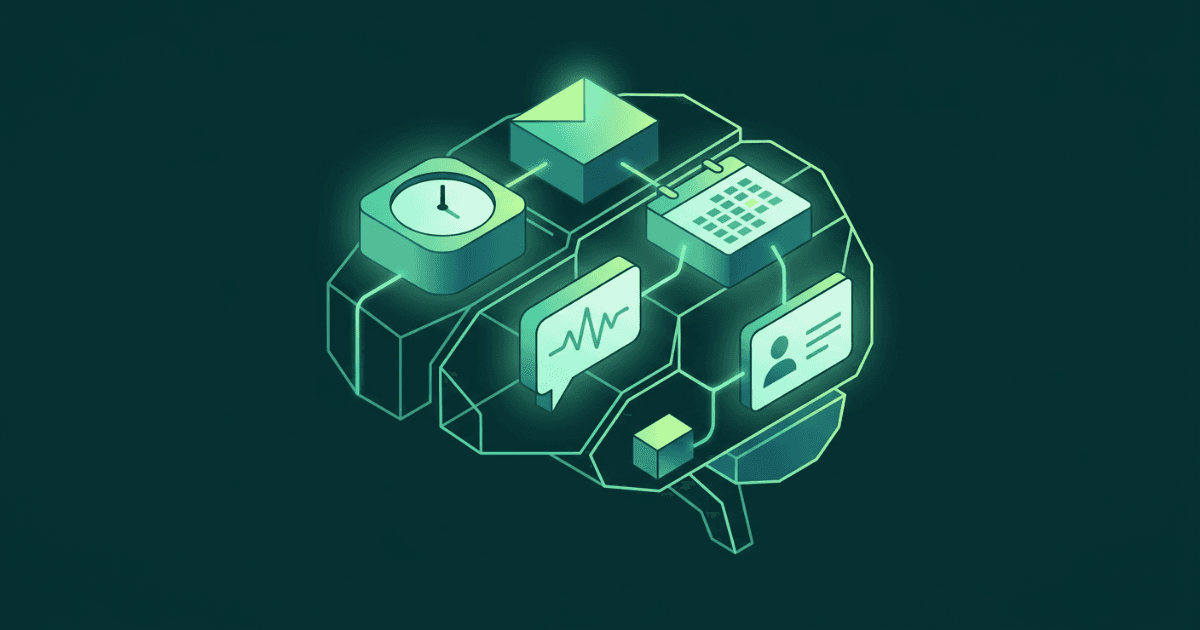
TL;DR: I built a time tracker in November. Three months later, it's a full personal operating system, combining a day timeline, AI-powered meeting transcription, automated contact enrichment, a built-in CRM, and weekly AI reviews. Every feature emerged from the friction of the previous one. The lesson: don't architect the whole system upfront. Build the smallest thing that solves today's problem, then listen to what it tells you is missing.
Three months ago, I just wanted to know where my hours were going.
I'm a venture builder. I run TheMotionBridge, I build simulation tools, and on any given week I'm juggling five or six projects, a dozen meetings, and the nagging feeling that I'm spending my time on the wrong things.
So in mid-November, I built a time tracker. A simple one. Next.js, Supabase, a timeline you could drag blocks onto. Nothing fancy. I called it Maximiser.
That should have been the end of it.
The first itch: "I don't just need to track time. I need to understand it."
Within two weeks, Maximiser had grown an energy tracker, a simple 1-to-10 scale I could tap throughout the day. Daily logs for priorities, blockers, momentum. And then the thing that changed everything: an AI weekly summary.
Every Friday, the app would gather my time entries, my energy patterns, my daily notes, and hand them to Claude. What came back wasn't a spreadsheet. It was a narrative.
You spent 14 hours on Client X but your energy cratered every afternoon you worked on their project. Meanwhile, Client Y got 3 hours and all your best thinking.
That weekly mirror was addictive. But it was also fragile, duct-taped together with Airtable and regex parsing. So in early January, I ripped it all out.
January: The great migration
I moved everything to Supabase. Rebuilt the AI summary pipeline on N8N. Two scheduled workflows now: a Friday review that looks back at my week and a Sunday briefing that looks ahead. Both powered by Claude Opus with extended thinking, generating rich HTML analysis that lands in my inbox like a letter from a very observant chief of staff.
But the real shift in January wasn't technical. It was conceptual.
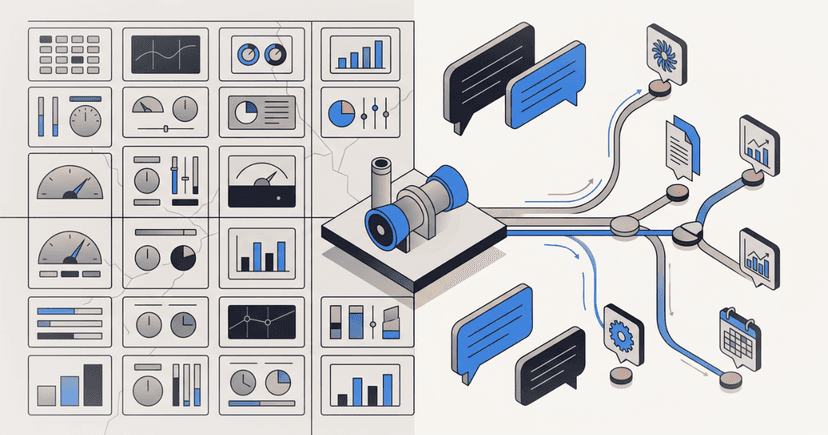
I added a Big Year calendar view, a zoomed-out, year-at-a-glance view of my Google Calendar. And the moment I saw my year laid out like that, I realized: Maximiser wasn't a time tracker anymore. It was becoming the single pane of glass for everything I work on.
The timeline becomes a cockpit
Mid-January, I rebuilt the day timeline into what I started calling "the cockpit." Three layers, overlapping:
- Calendar events pulled from multiple Google accounts
- Todoist tasks synced in real-time
- Time entries showing what I actually did
Planned versus actual. Intention versus reality. All on one screen.
I integrated Todoist deeply, syncing projects to clients, labels to activity types, building a recursive project tree that mirrors my business structure. The sidebar became tabbed: tasks, meetings, daily log, AI summary. Everything a tap away.
Then came the meetings.
"What if I never walked into a meeting unprepared again?"
I connected Krisp, the transcription tool I was already using for calls. Now, the moment a meeting ends, a webhook fires. The transcript lands in Maximiser, gets matched to the right Google Calendar event, and Claude analyzes it on the spot. Key decisions, action items, follow-ups, personal notes about each attendee, all extracted automatically and filed away.
But I didn't stop there. I built a daily meeting prep pipeline: every morning at 7am, a Supabase edge function checks my calendar, identifies meetings with external attendees, enriches their contact profiles via Limadata, and sends me a briefing email. Who they are. What they care about. What we discussed last time.
I was walking into every meeting with context I used to spend 15 minutes googling for. Now it just arrived.
February: The relationship layer
And this is where it got interesting.
Somewhere around late January, I started noticing what was missing. I had time data, meeting data, task data, energy data. But the connective tissue, the people, were scattered. Some in my contacts, some in Clay, some just names in calendar invites.
So in early February, I built a CRM directly into Maximiser.
A People tab with a full contact timeline. Tags. Notes per person. Client linking. A command palette for fast navigation. Gmail sync that pulls in email history. Beeper integration for messaging context. Interaction tracking that scores how recently and frequently I've engaged with each contact.
I added a reconnect engine, an algorithm that identifies relationships going cold and nudges me. A Readwise integration that pipes in highlights from articles, so when I'm prepping for a meeting, I can see not just who someone is, but what I've been reading that's relevant to their world.
I built relationship tiers: Partner, Warm, Known, Cold. The system understands that a relationship isn't binary: it has temperature.
And then I cleaned house. Stripped out dead code, legacy Airtable artifacts, unused dependencies. Sharpened the event panel. Added overlap lanes to the timeline so concurrent events don't collide visually. Made it responsive for iPad and iPhone.
What Maximiser actually is now
Three months in, here's what my mornings look like:
I open Maximiser. The timeline shows my day, calendar events layered over time blocks. The sidebar shows my Todoist tasks, already synced. Before my first meeting, I've already received a briefing email with enriched profiles of everyone I'm meeting. During the meeting, Krisp captures the transcript. After the meeting, Claude extracts the action items and creates Todoist tasks automatically. Notes about each attendee get filed to their contact record.
On Fridays, an AI review lands in my inbox telling me how I actually spent my week versus how I intended to. On Sundays, a briefing arrives with what's ahead and what to prepare for.
At any moment, I can pull up a person and see: every meeting we've had, every note, every email thread, how warm the relationship is, what I should reconnect about.
It started as "where does my time go?" It became "how do I run my practice at a higher level?"
The meta-lesson
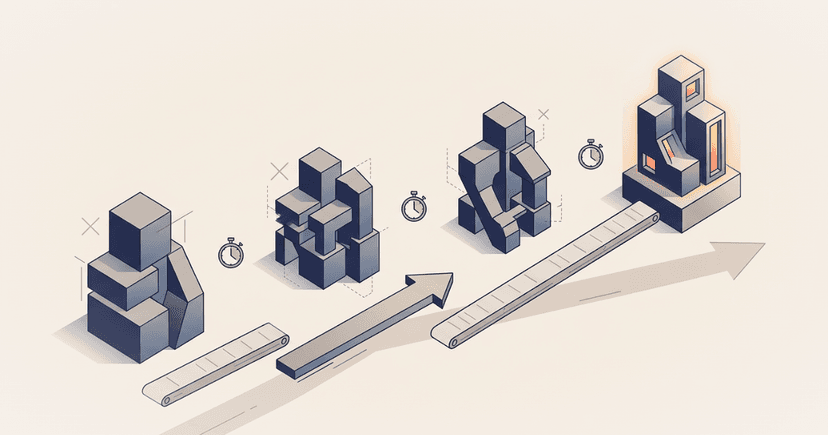
I didn't plan any of this. I didn't write a spec for a personal CRM with AI-powered meeting intelligence. I started with one pain point, time tracking, and let the next pain point reveal itself. Each feature wasn't designed in isolation; it emerged from the friction of the previous one.
- The time tracker showed me I needed to understand my energy.
- Understanding my energy showed me I needed to see my calendar.
- Seeing my calendar showed me I needed meeting prep.
- Meeting prep showed me I needed contact intelligence.
- Contact intelligence showed me I needed relationship management.
Every tool I built made the next need obvious.
This is what I tell the founders and innovation teams I work with: don't architect the whole system upfront. Build the smallest thing that solves today's problem, then listen to what it tells you is missing.
Maximiser told me. I just kept listening.
Leave your email and we'll send what we learn next: new research, whitepapers, and posts. No noise, unsubscribe any time.